
High-quality reels and promo cuts
 Apply now
A studio-led program for students, creators, designers, and career switchers who want to learn Premiere Pro, Photoshop, After Effects, sound design, AI tools, portfolio creation, and brand-ready production workflows.
Every module ends with a practical output, so your final portfolio is not a last-minute task. It grows week by week.
High-quality reels and promo cuts
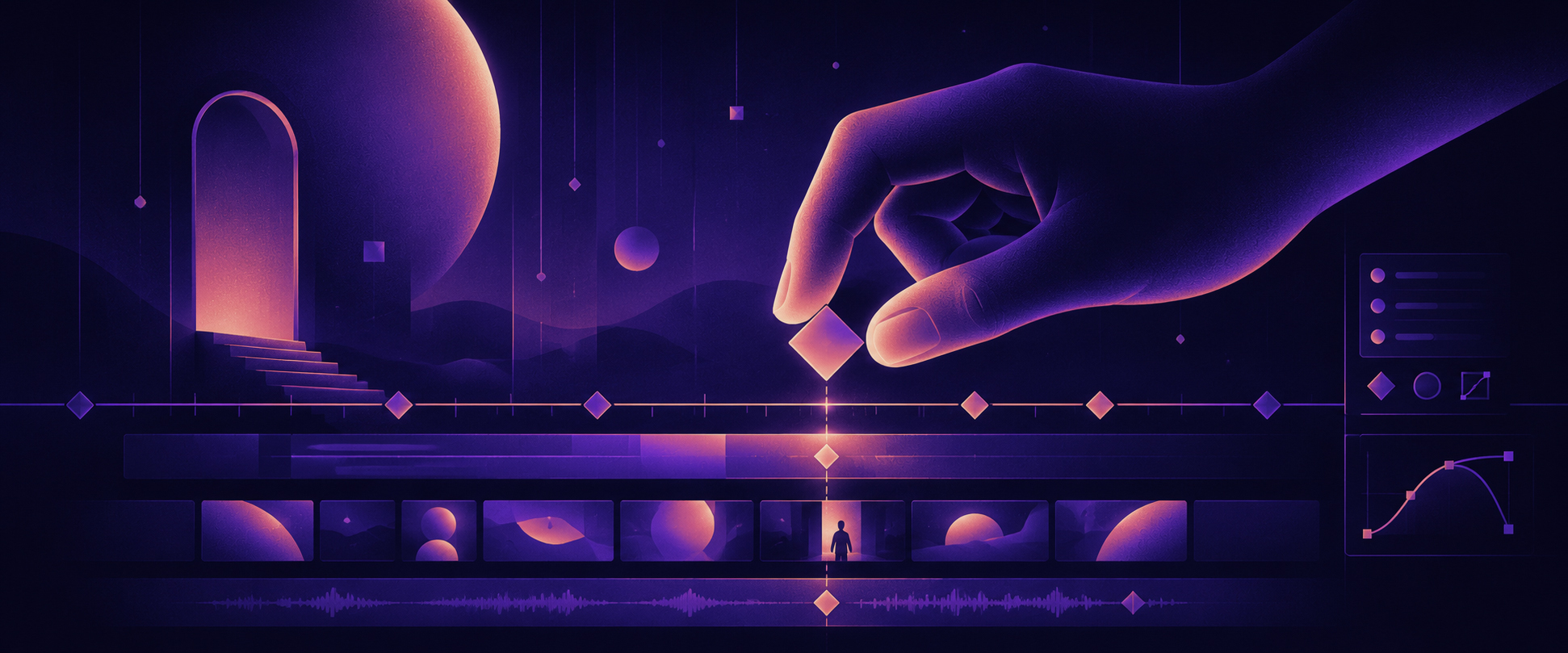
Motion graphics and integrated animation
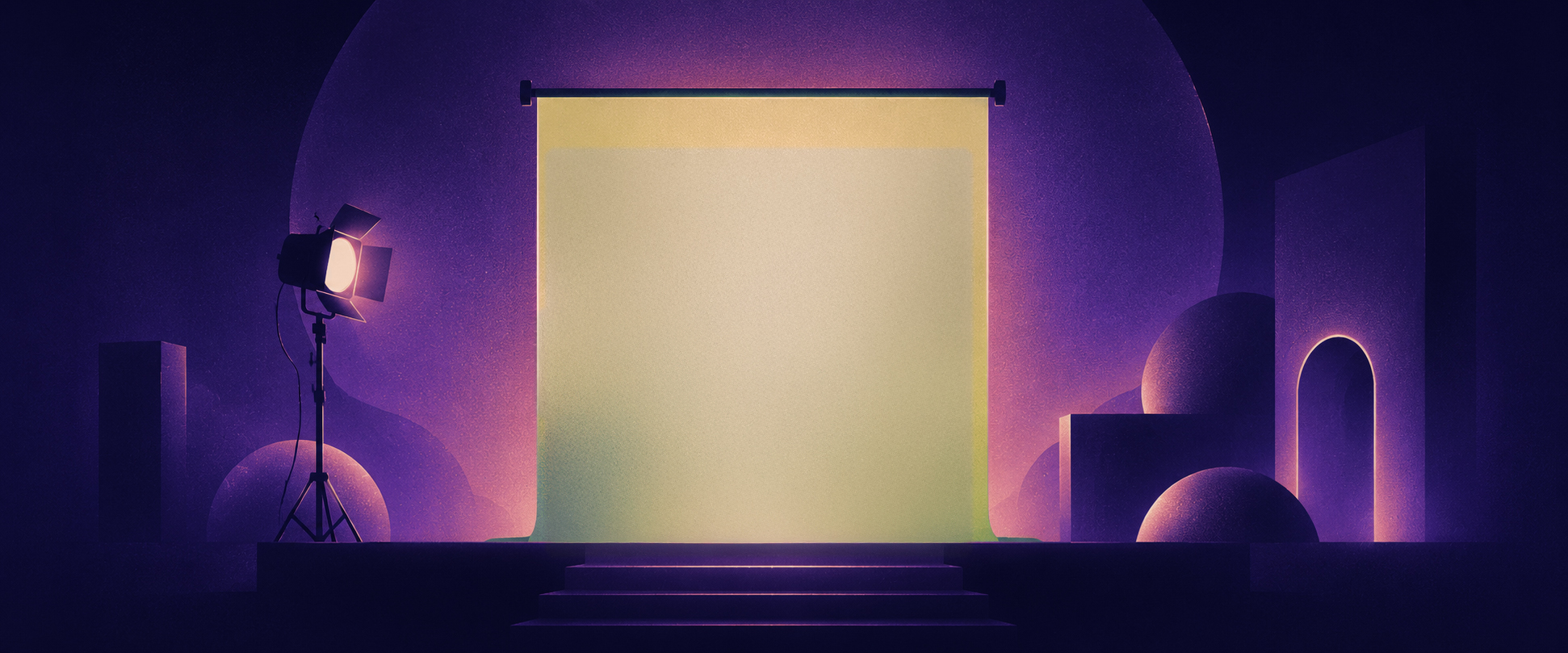
Visual effects, roto, tracking, and green matte keying

Thumbnail, cover image, and portfolio design
.jpg?dpl=dpl_H68kKhoa4vn3tGHtEmeSwJVnL1cX)
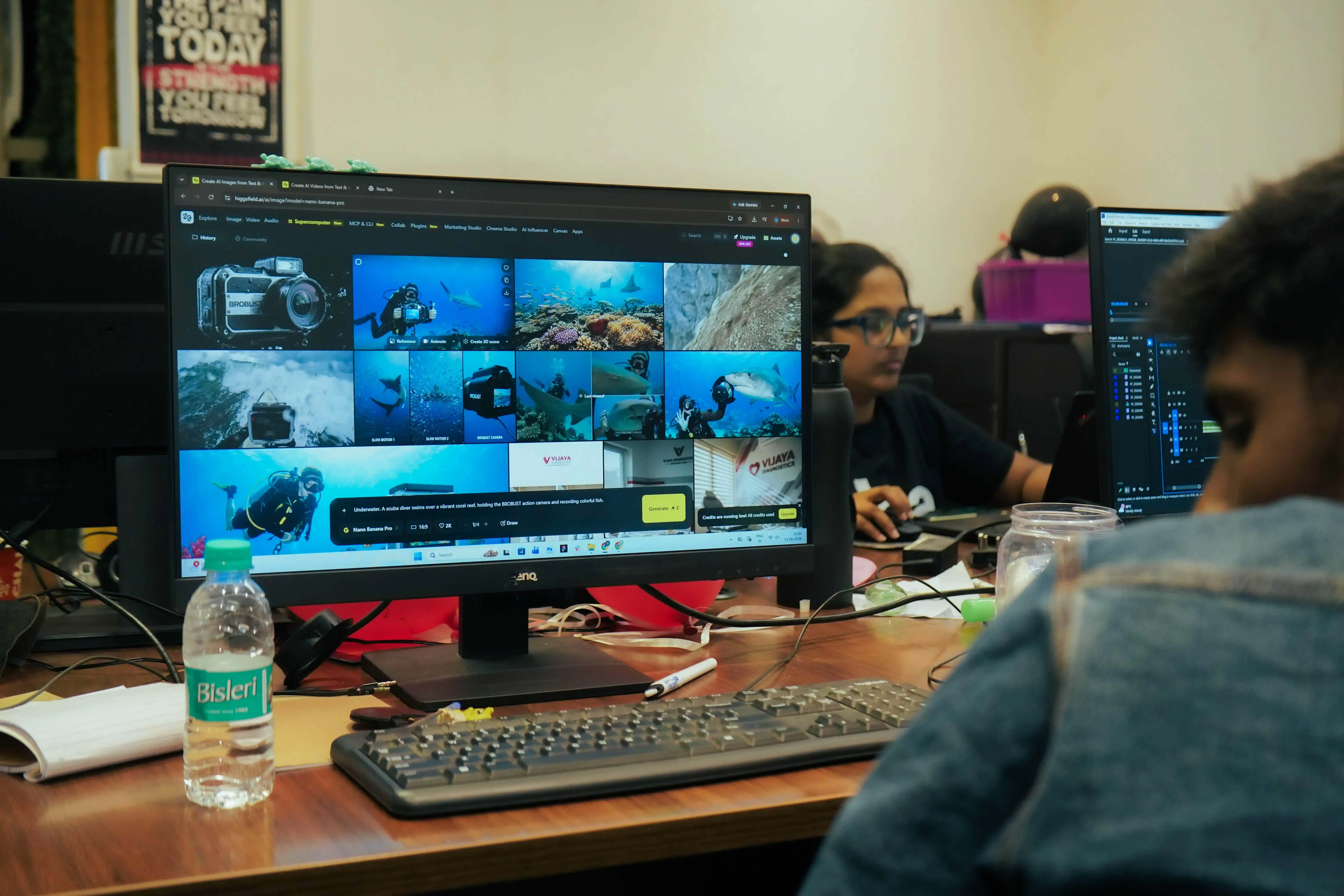
AI-assisted editing, voice, clipping, image, and video generation
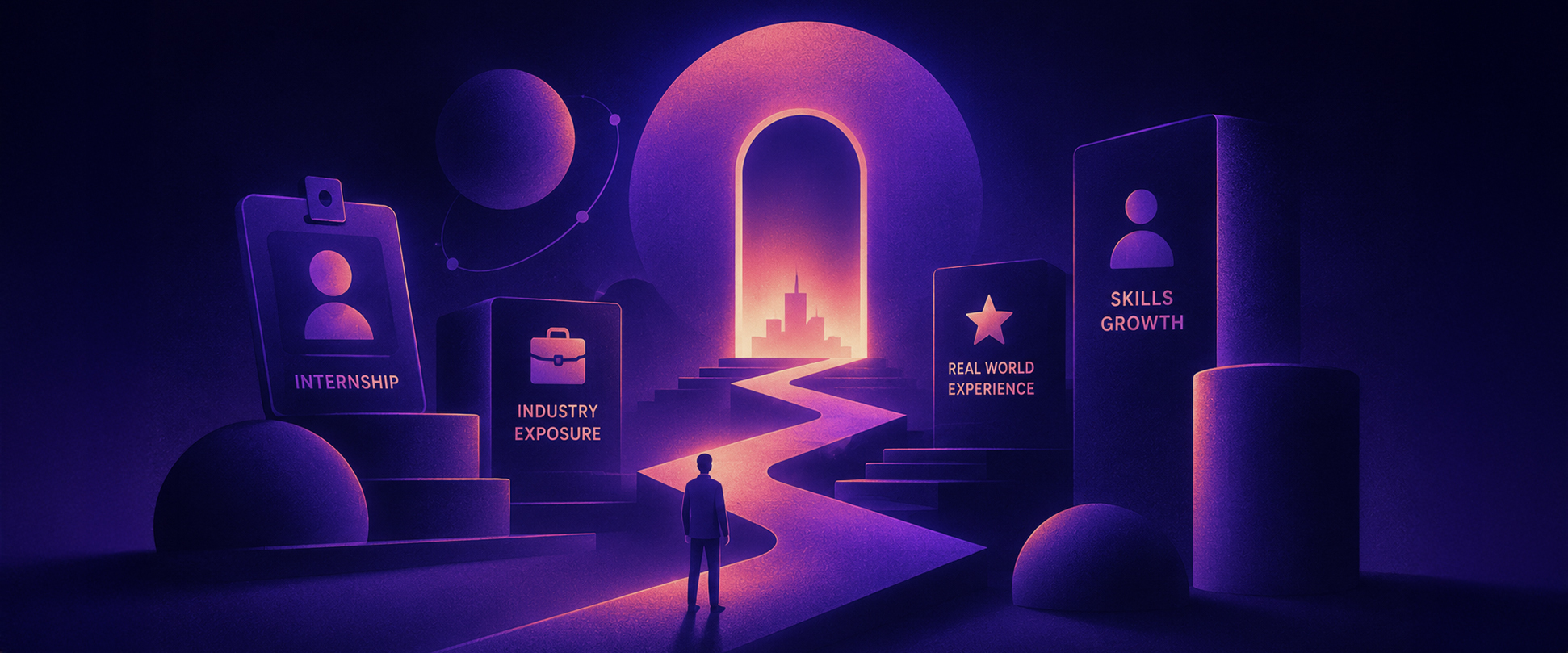
Industry Experience Program with live projects and brand workflows
24 weeks of guided training having Industry Experience Program + Live Projects.
See the complete learning path, tools covered, project flow, mentor feedback structure, and industry experience details in one place.
View brochurePremiere Pro, Photoshop, After Effects, sound design, and AI workflows
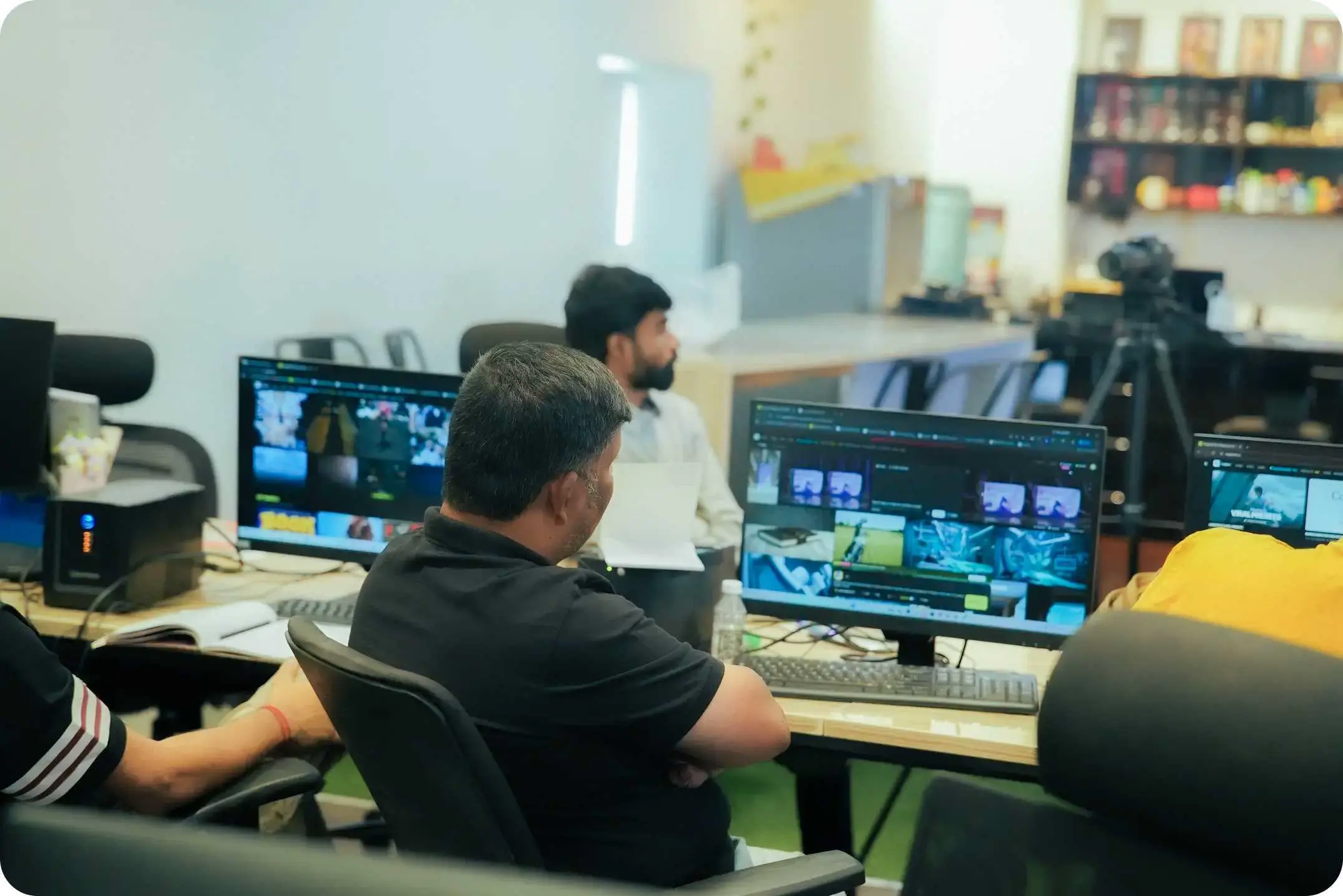
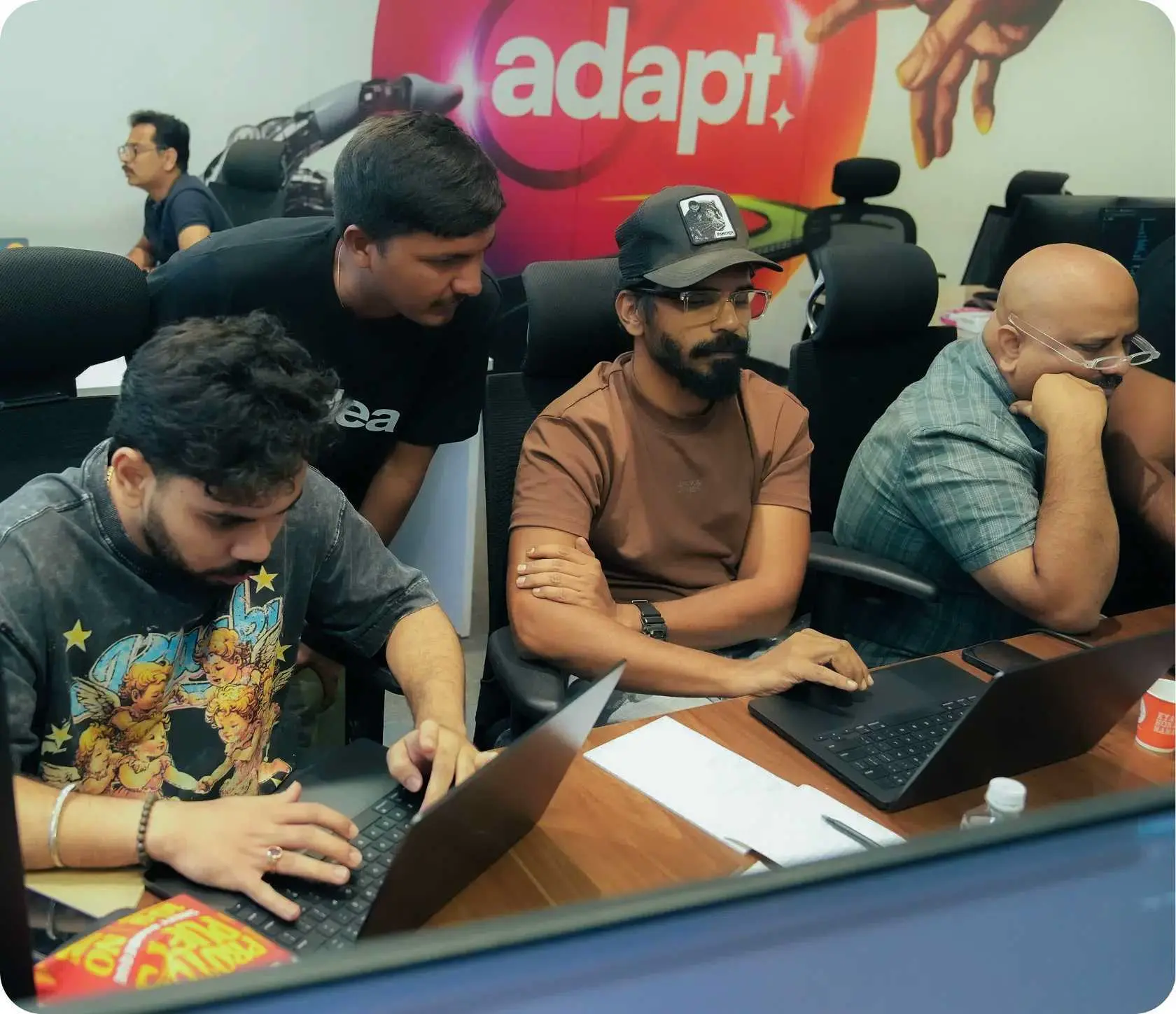
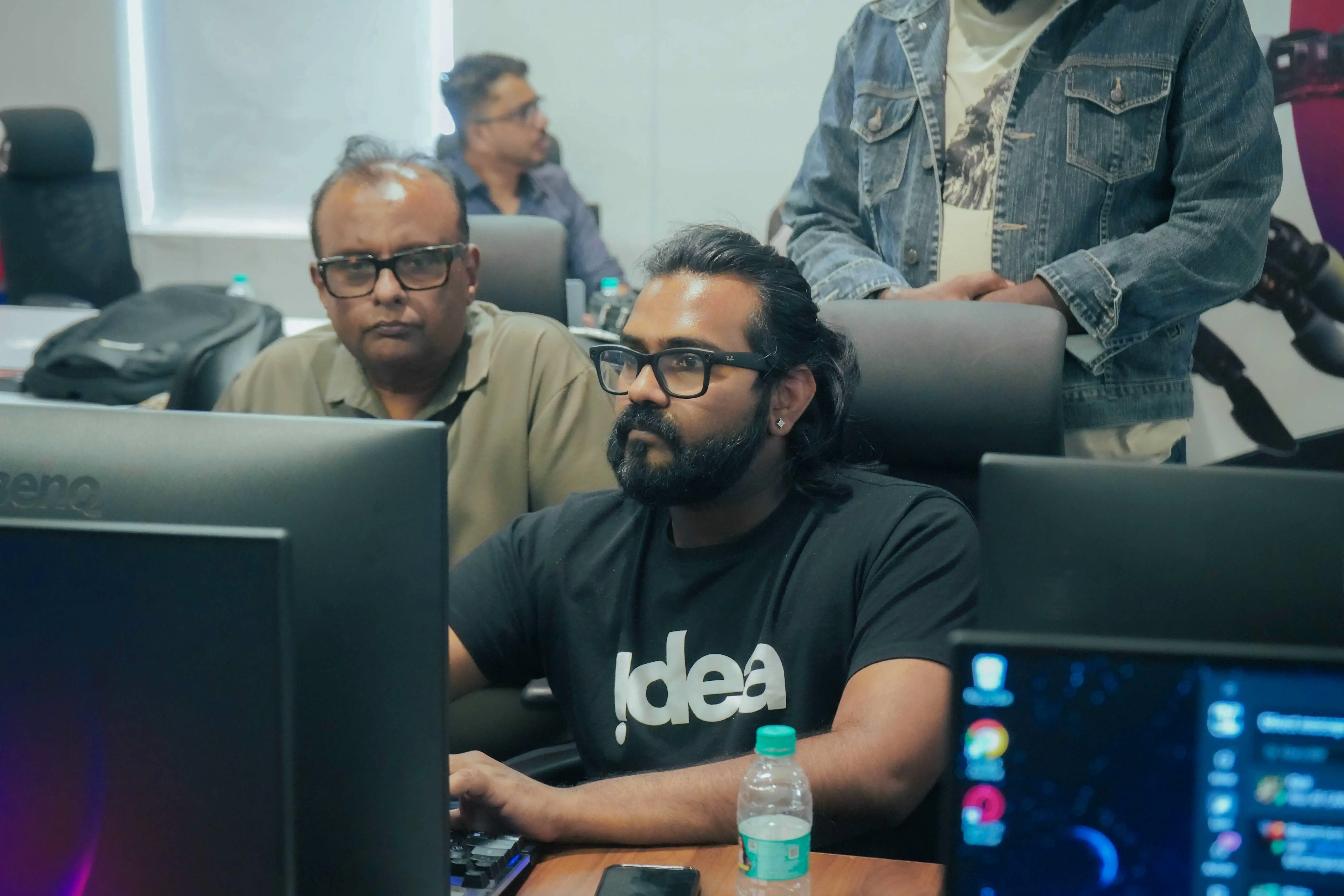
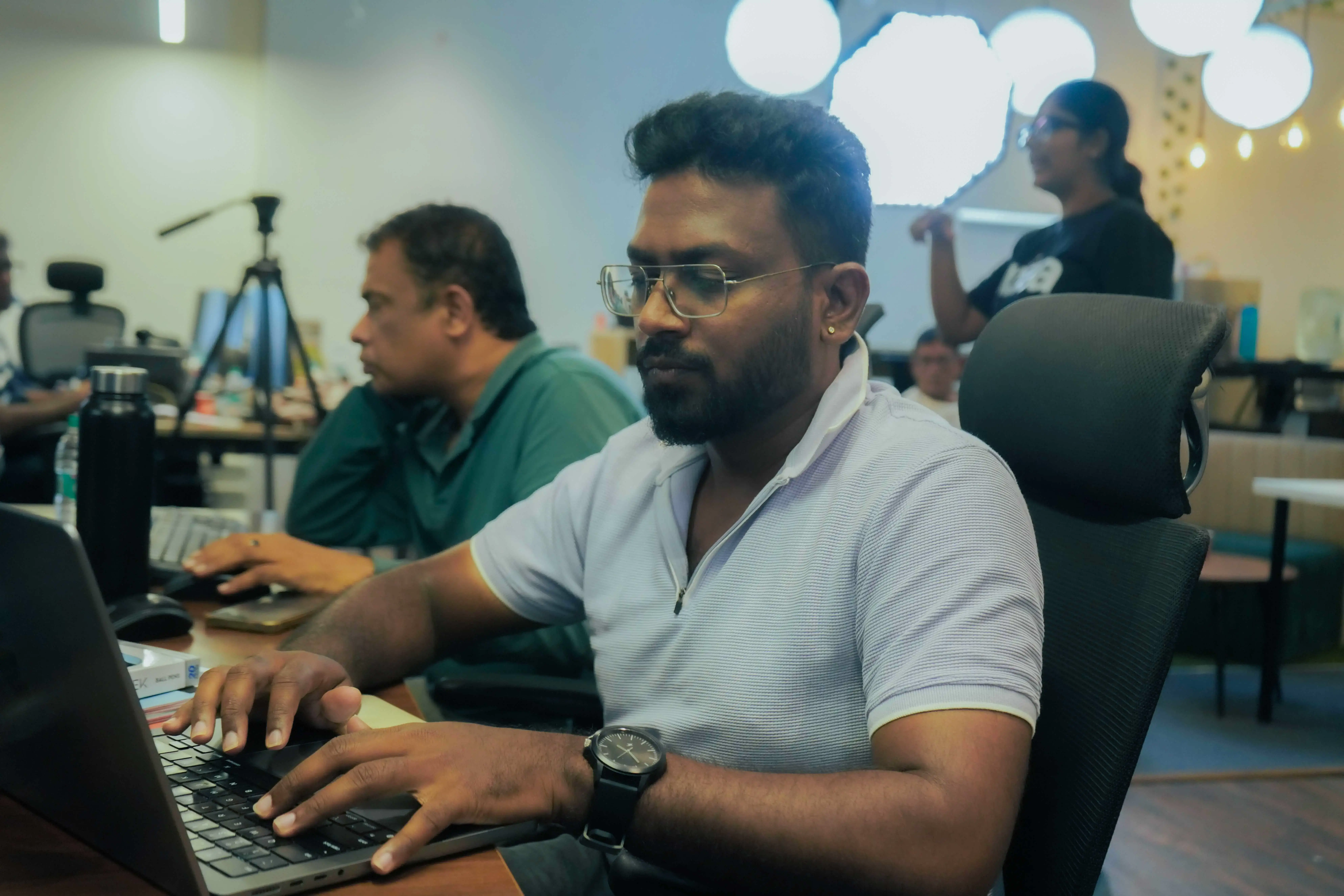
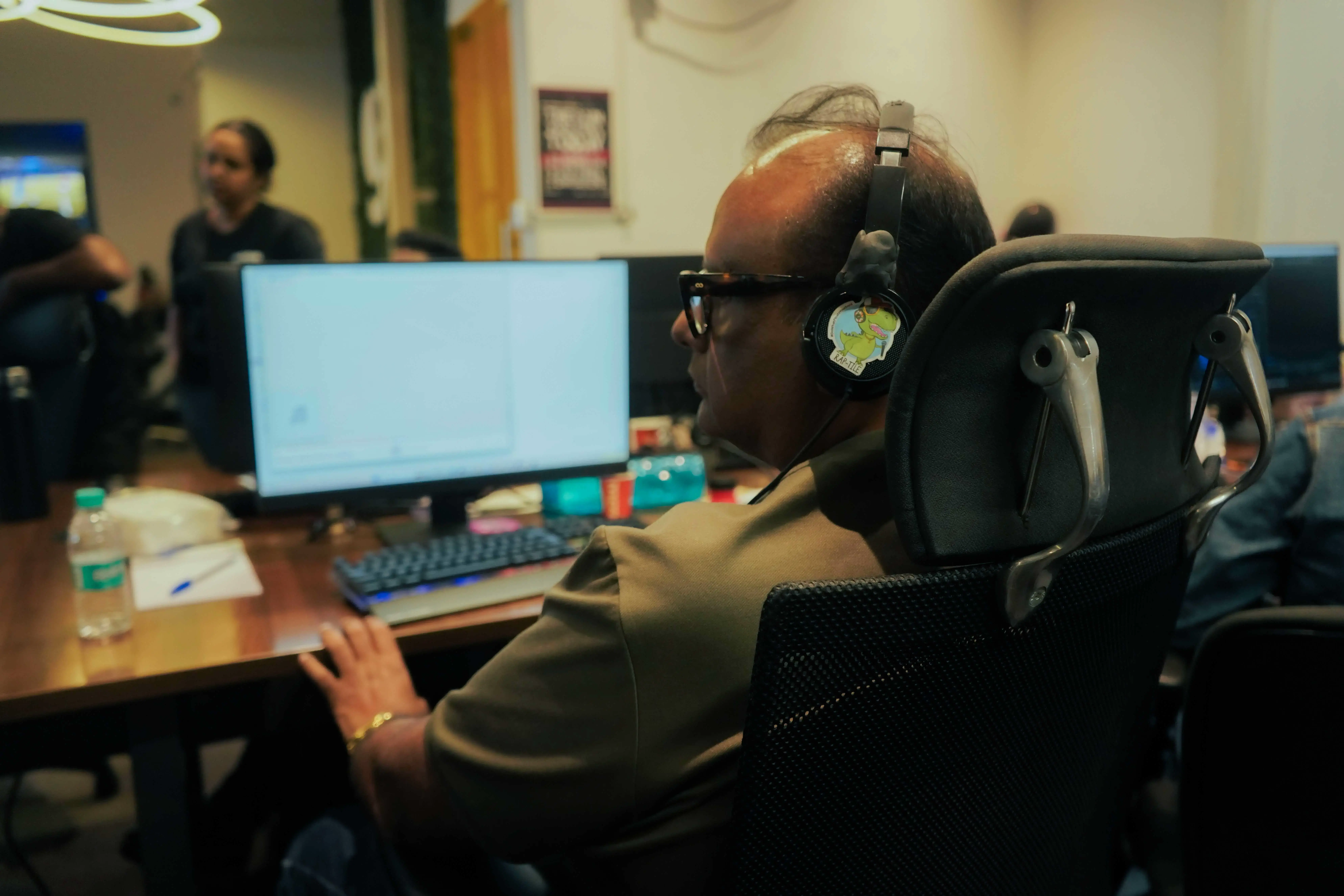
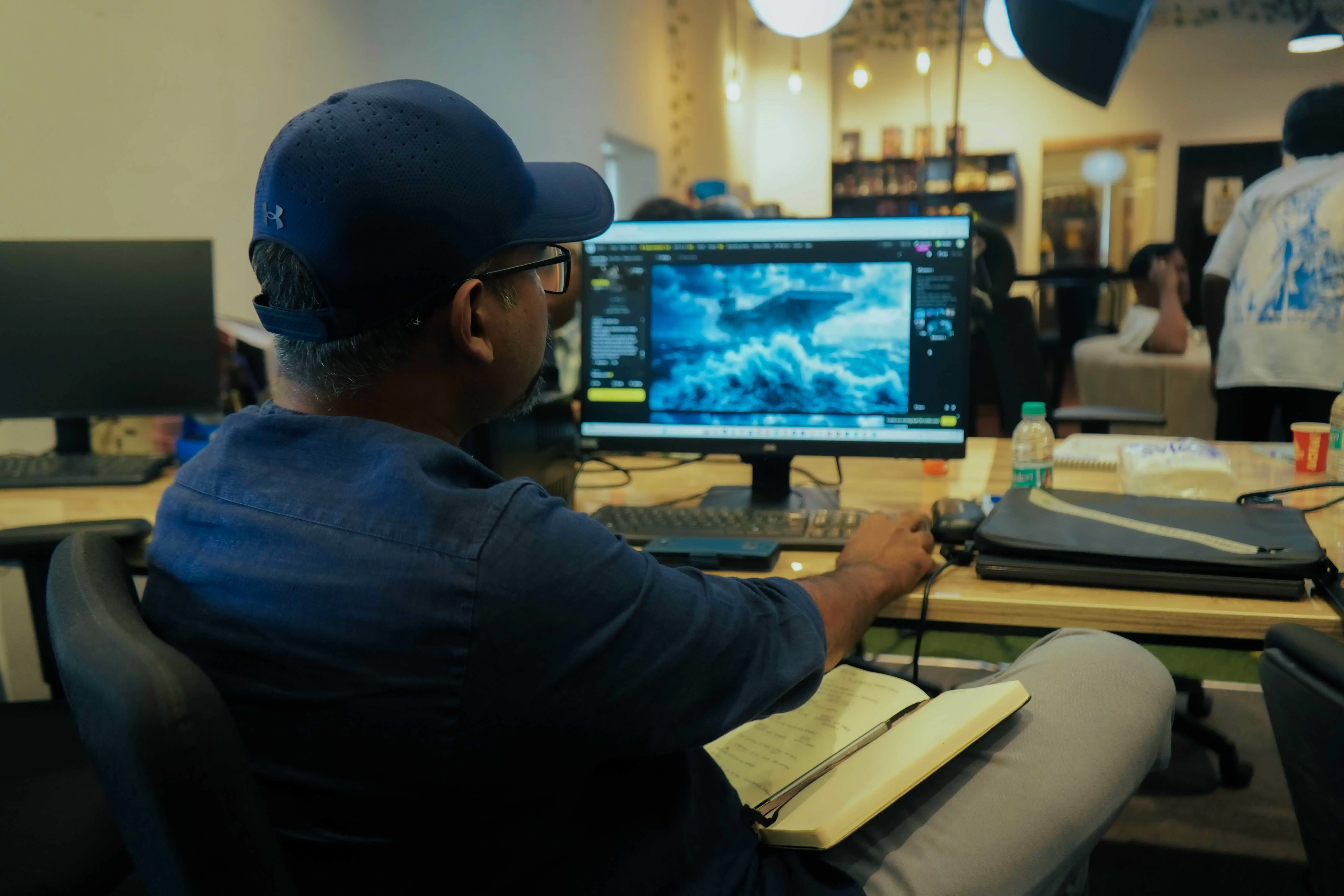
Offline sessions, mentor reviews, assignments, and production tasks
Live projects, revision cycles, brand briefs, and portfolio outcomes
The week is designed around learning, doing, review, and completion so students stay consistent instead of waiting until the deadline.
Create a high-quality, well-paced reel and promo.
Create a thumbnail and cover image with mentor guidance.
Clear blockers, review doubts, and prepare the production plan.
Complete weekly to-dos and gather required assets.
Submit website, campaign assets, or assigned creative output.
Review cohort brochure, edits, and portfolio progress.
Ship website, campaign assets, or assigned creative output.
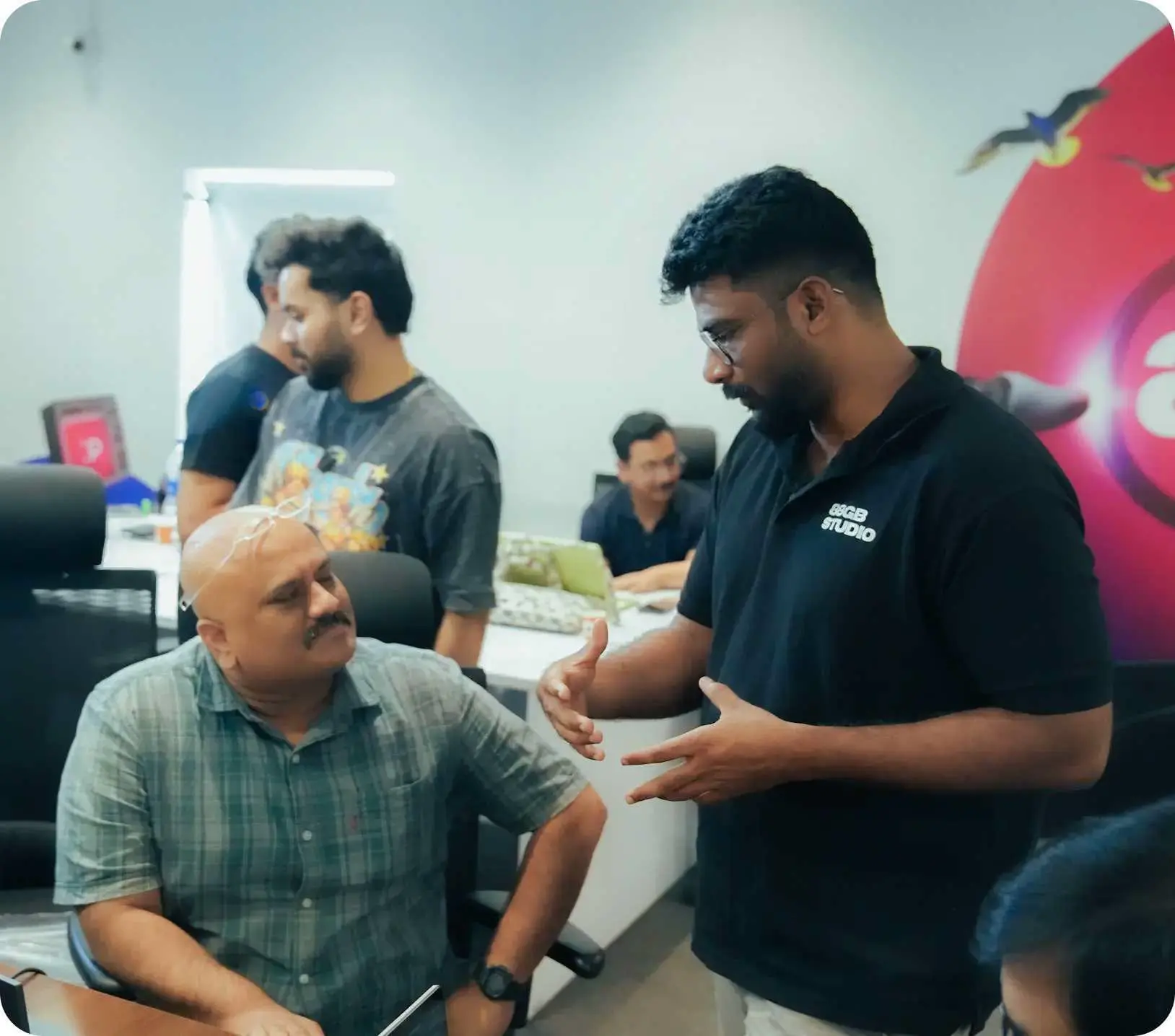
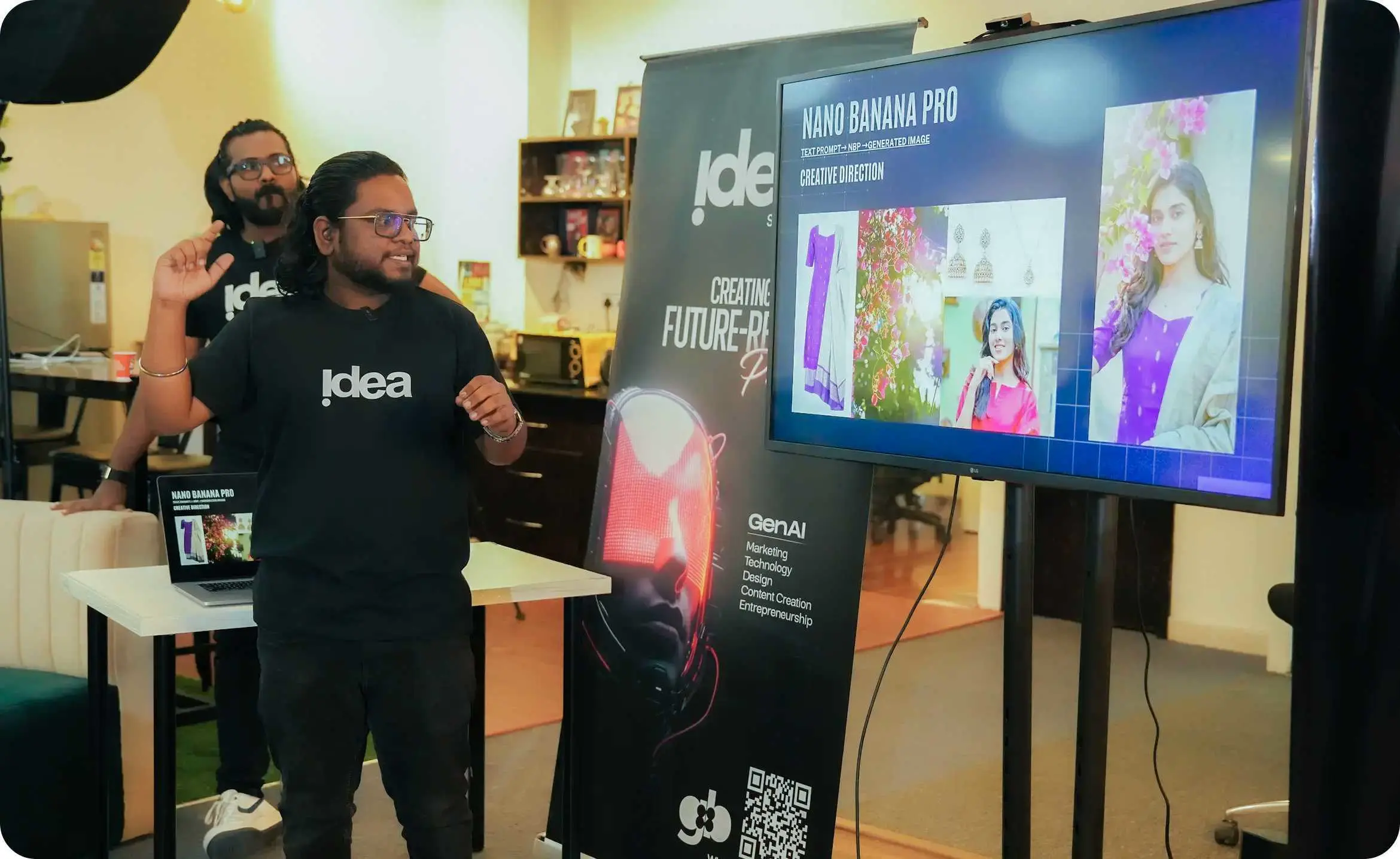
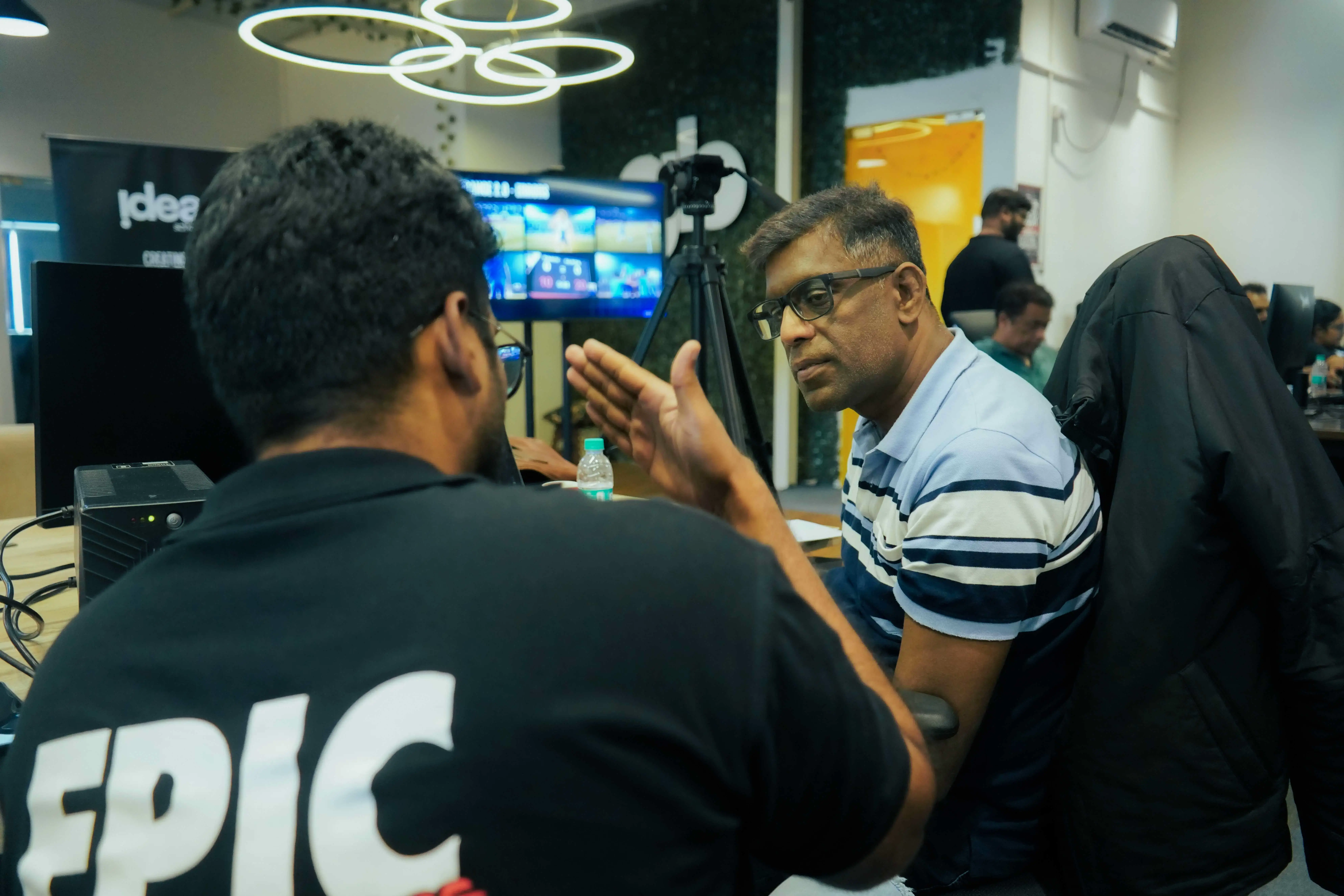
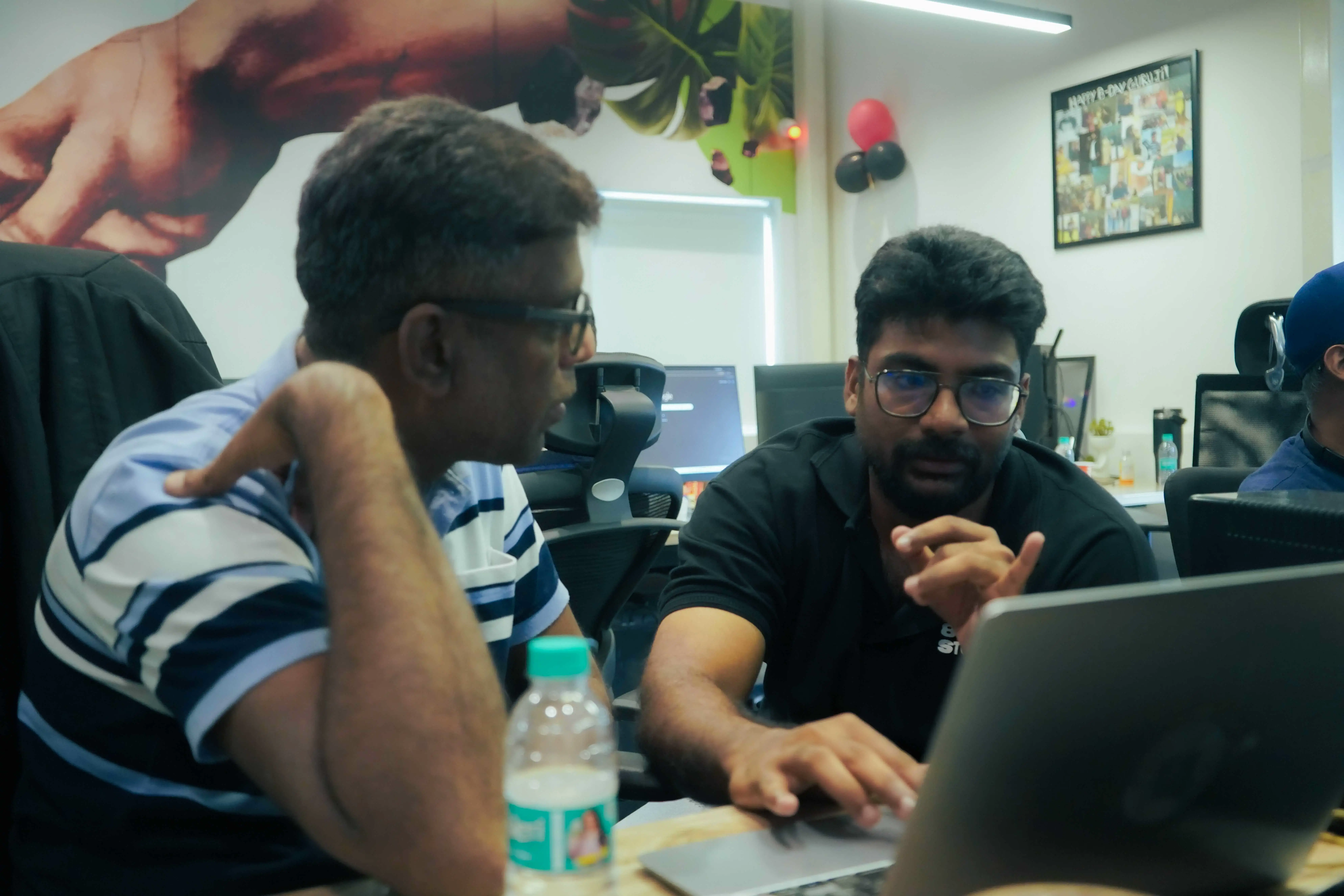
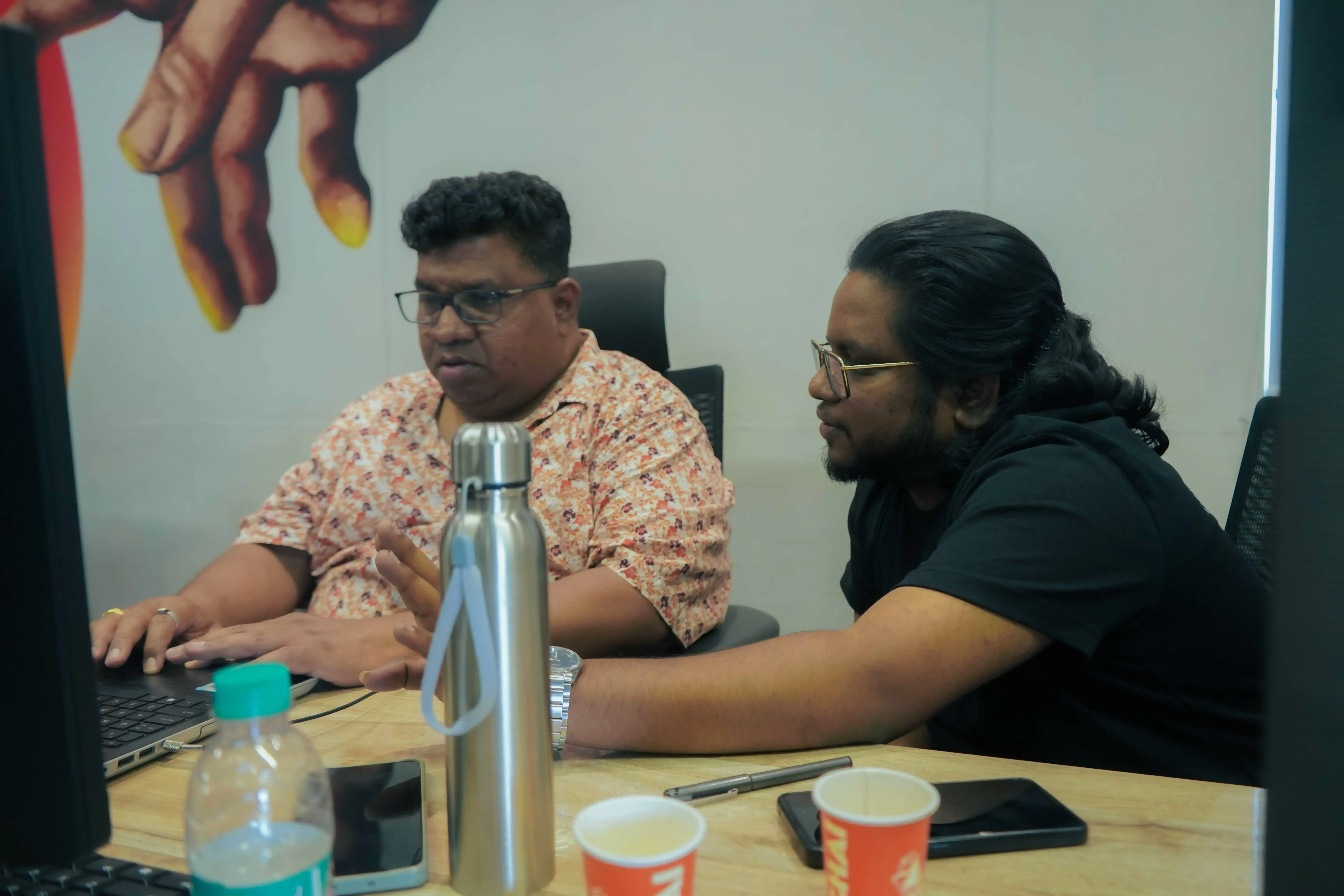
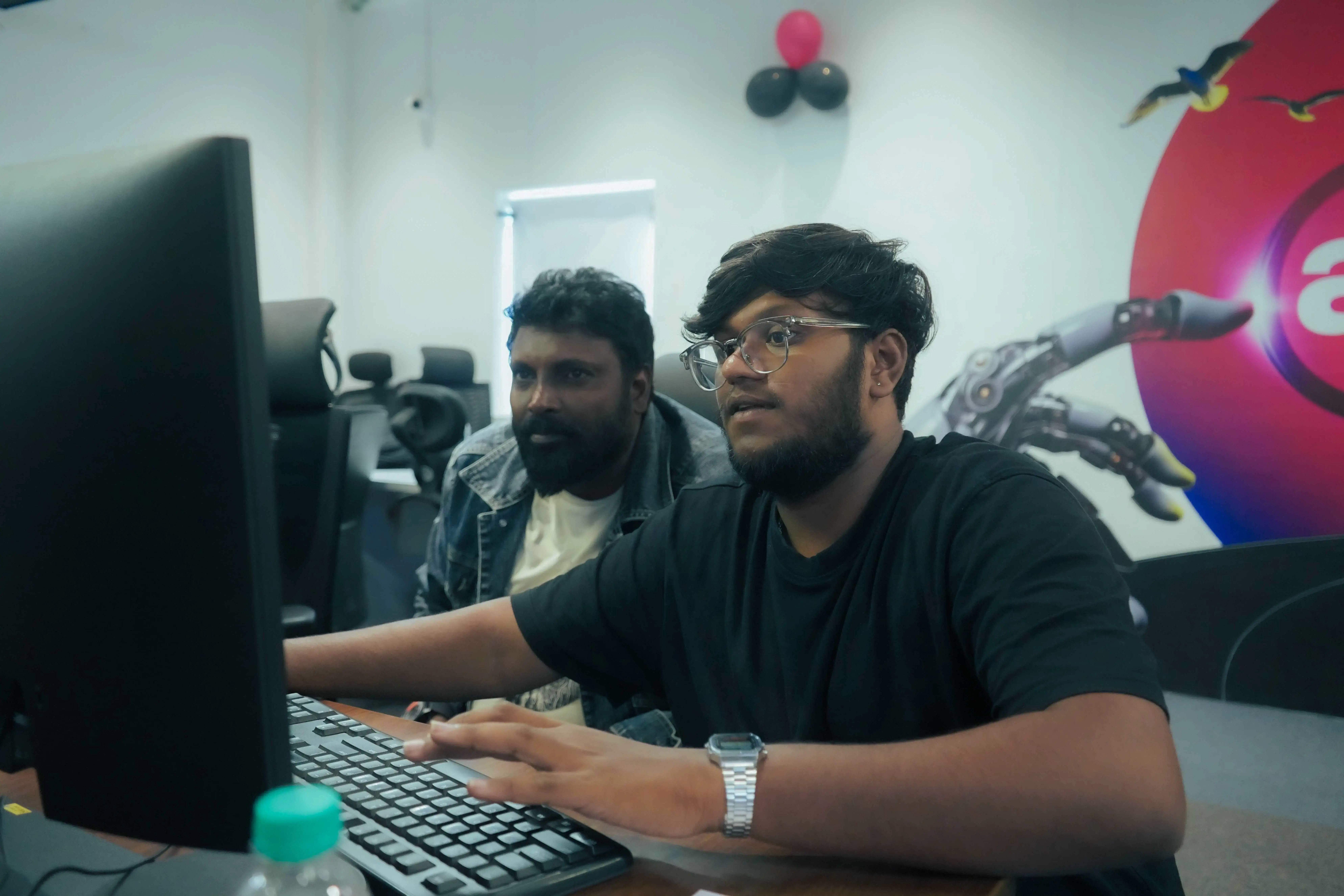
Learn from working creative professionals who guide students through editing, design, motion, storytelling, and real delivery workflows.
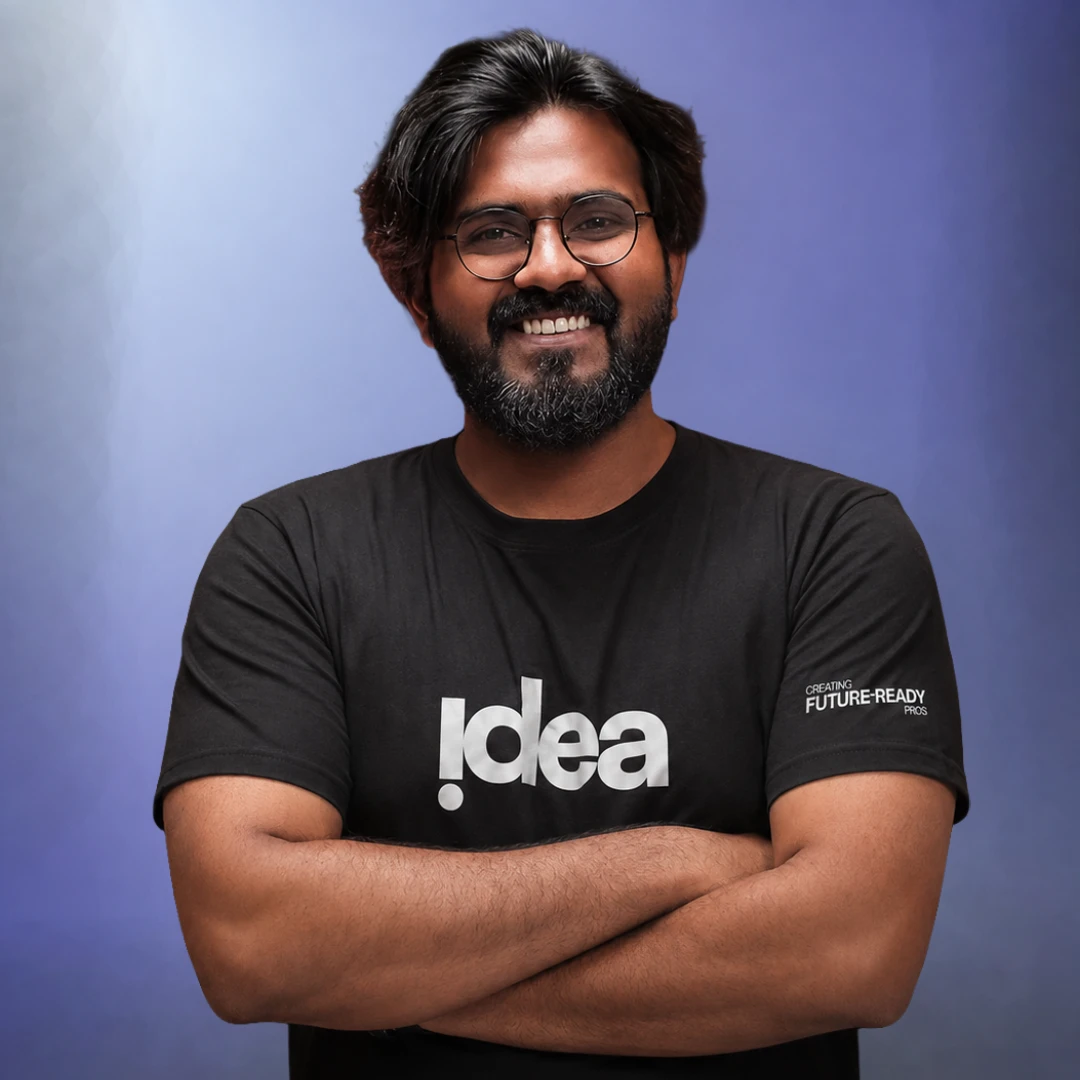
CEO, 88GB
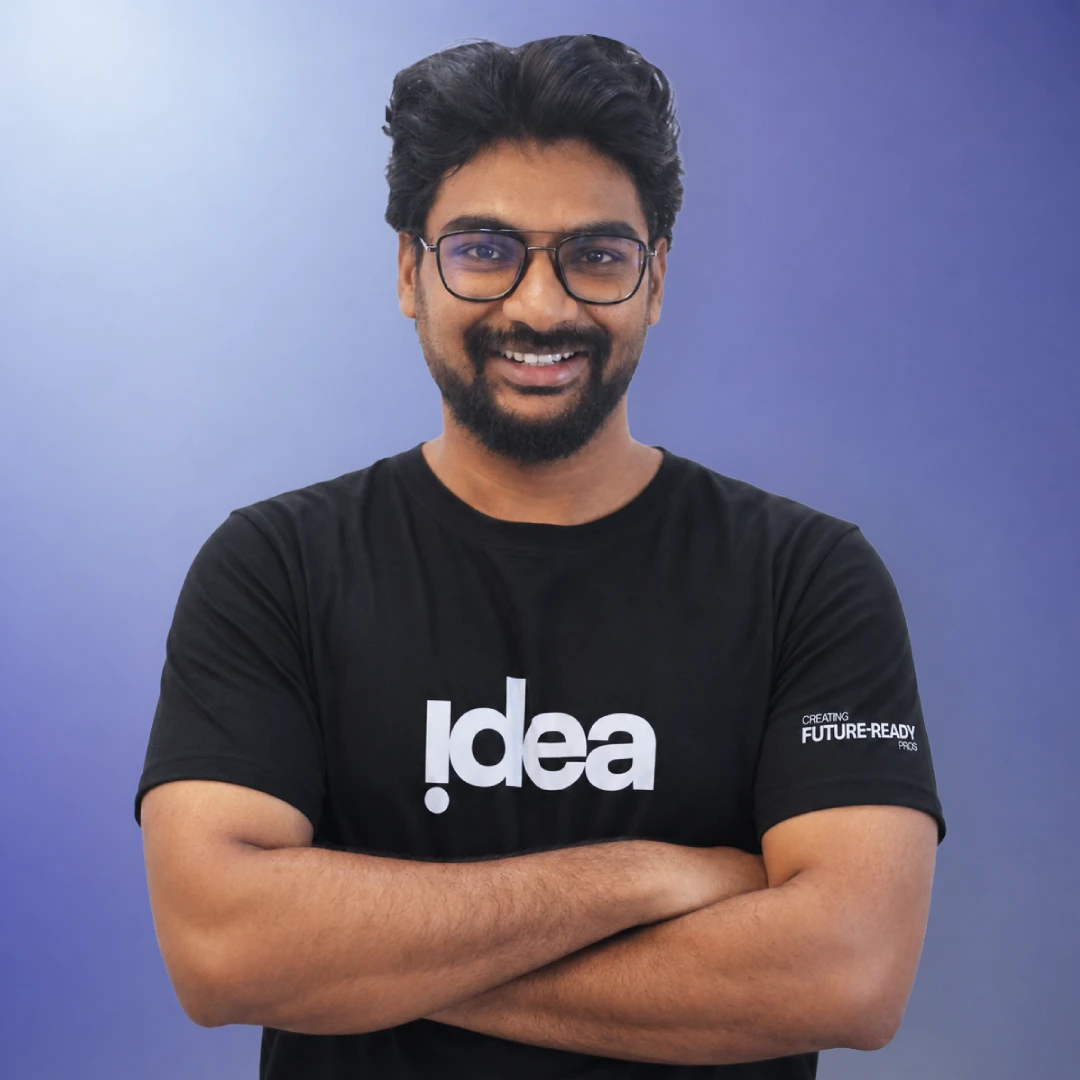
Head of Design, 88GB
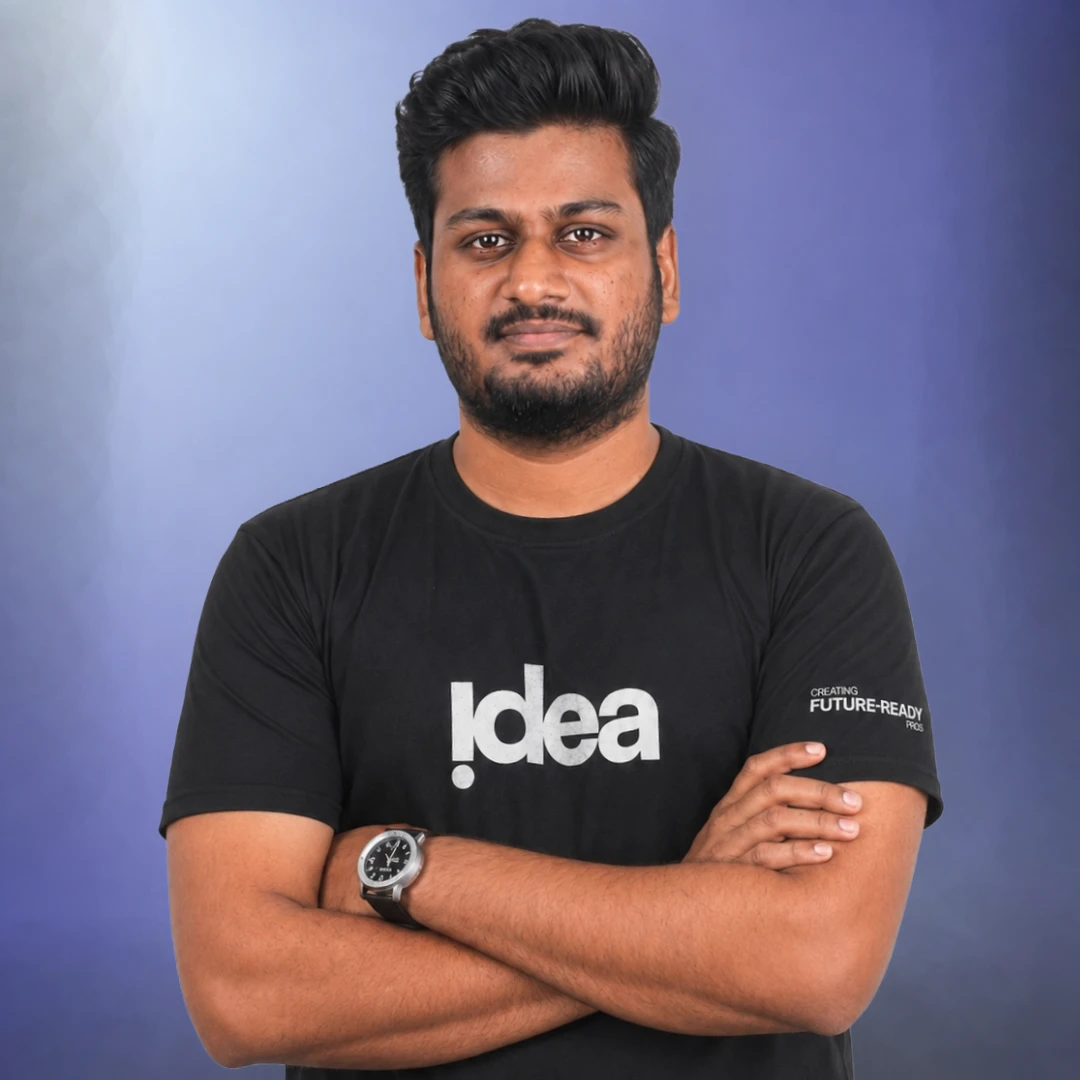
Video Editor, 88GB
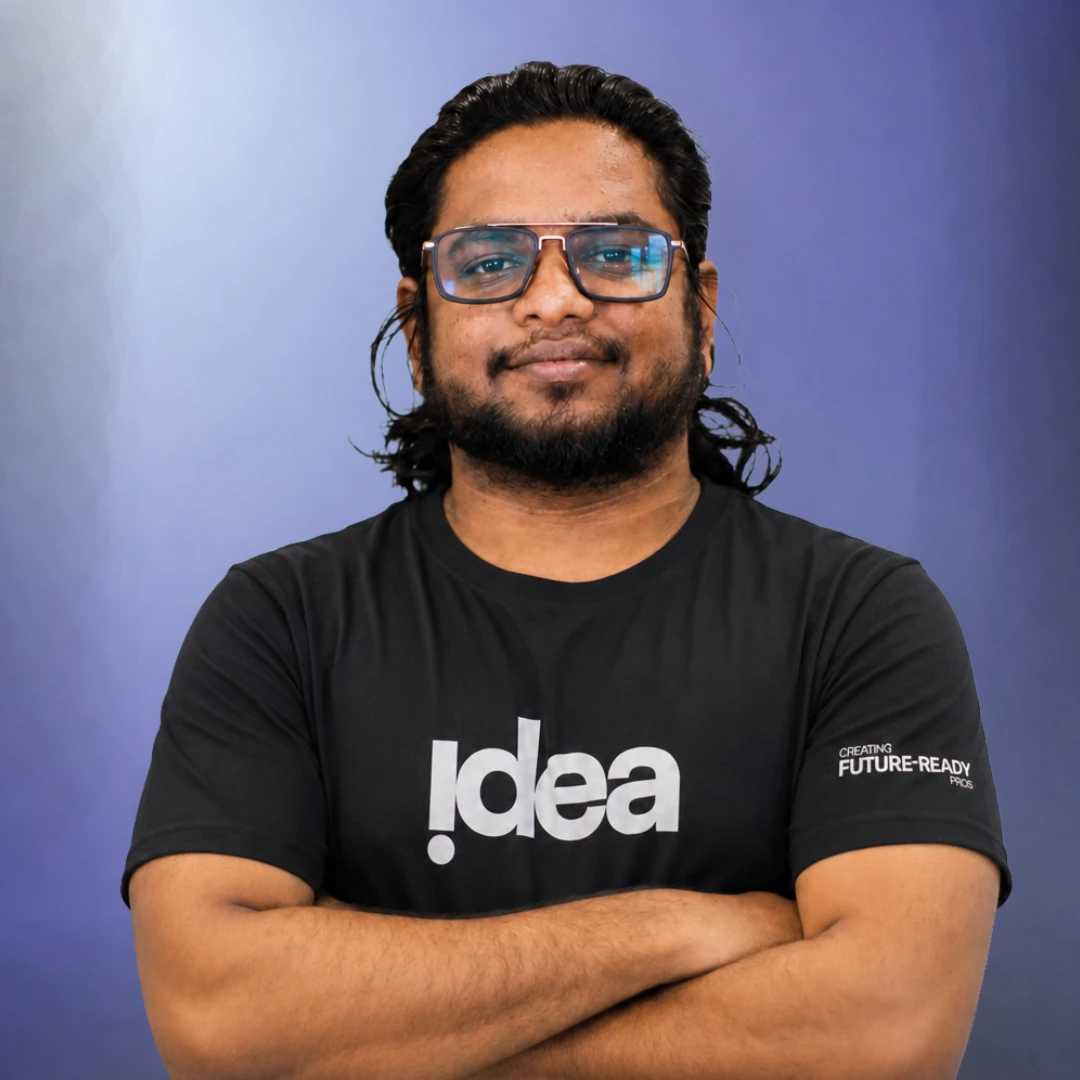
Senior Creative Strategist, 88GB
















Seats are limited so every learner gets attention, feedback, and room to practice.
Monthly salary range for video editors at agencies in Bangalore
Per video for freelance short-form editors with a strong reel
Monthly freelance potential with 10-12 retainer clients
Until you have a portfolio ready to show these numbers
Disclaimer: Salary figures are based on current market rates for video editors in Bangalore and major Indian metros. Freelance rates vary by client, niche, and portfolio quality. These are industry benchmarks, not guaranteed outcomes.
A: It is built for students, creators, editors, designers, photographers, videographers, and career switchers who want a practical path into editing and AI-assisted content production.
A: Yes. The first weeks cover tool fundamentals before moving into advanced editing, motion graphics, visual effects, AI workflows, and the Industry Experience Program.
A: Your portfolio must be completed. The course is structured so every assignment builds toward a portfolio that can be reviewed for placement assistance eligibility.
A: Yes. Weeks 13-24 are designed as an Industry Experience Program where you work on live brand briefs, solve real client problems, go through revision cycles, and build an agency-level portfolio.
Join the next Idea School cohort and move from software practice to portfolio work, feedback, and live project delivery.
Contact us : 8618894857No preset dumping without creative judgment.
No passive watching dressed up as training.
No portfolio promises without weekly output.
Students learn pacing, story, sound, design, and feedback discipline before leaning on plugins or AI tools.
Every week ends with something students can review, improve, and carry into a stronger body of work.
The program trains file discipline, client-style briefs, critique cycles, and delivery standards used in real creative teams.
